Postman import
Collections (v2.0 and v2.1), environments and globals, several files at once. Folders, auth, scripts and saved examples come with them.
Import your Postman exports, pick an environment, send. No account, no cloud workspace. Your collections live in one file on your Mac and your secrets in the keychain.
Universal build for Apple silicon and Intel. Signed and notarized. Updates itself.
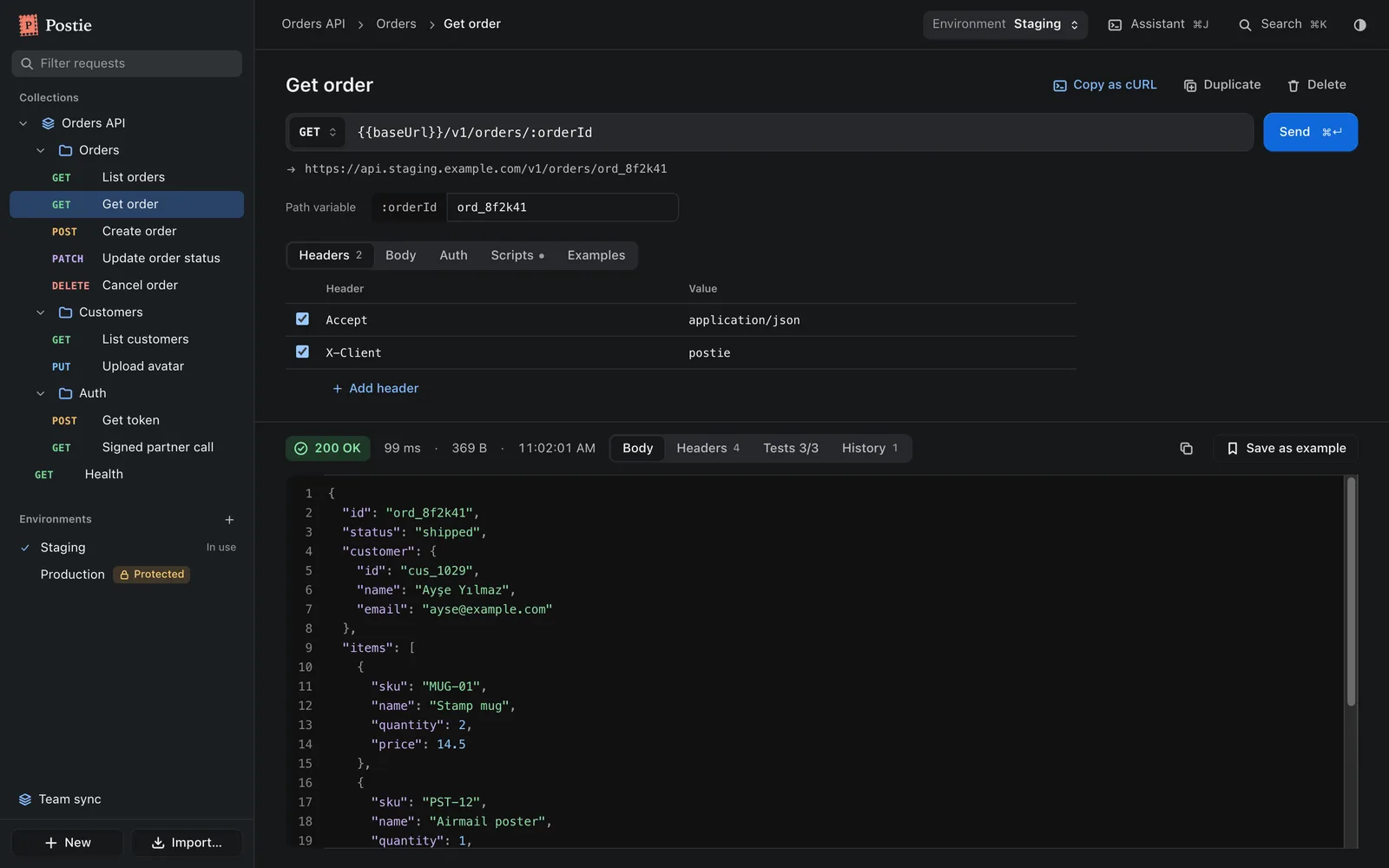
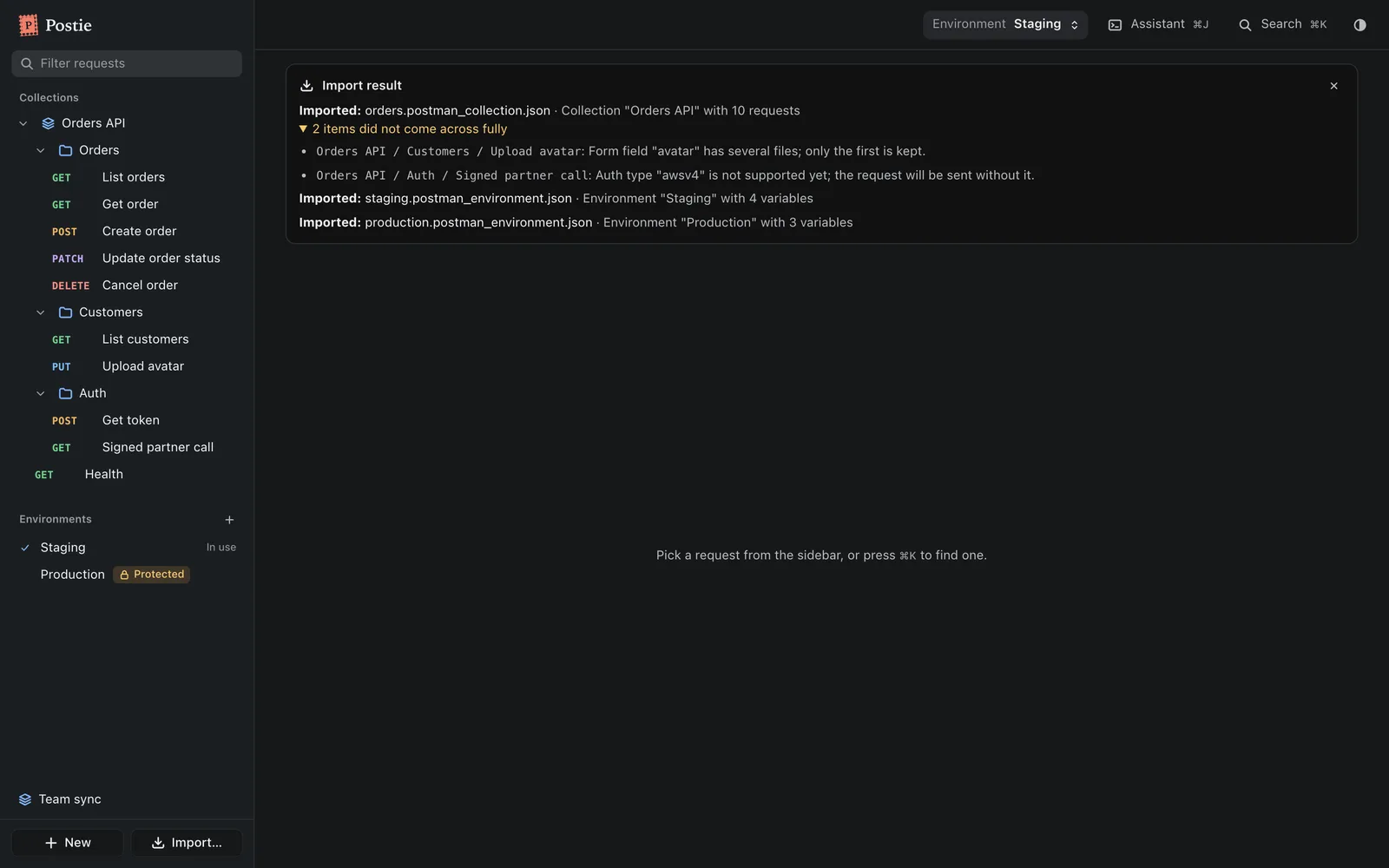
Requests, variables, scripts and history work the way your Postman exports expect. Anything that does not come across on import is listed, not dropped quietly.
Collections (v2.0 and v2.1), environments and globals, several files at once. Folders, auth, scripts and saved examples come with them.
Local, data, environment, collection and global scope in Postman's order, plus {{$guid}}, {{$timestamp}} and friends. Undefined variables show before you send.
Pre-request and test scripts run in a QuickJS sandbox with time and memory limits. pm.environment, pm.request, pm.response, pm.test and pm.expect work.
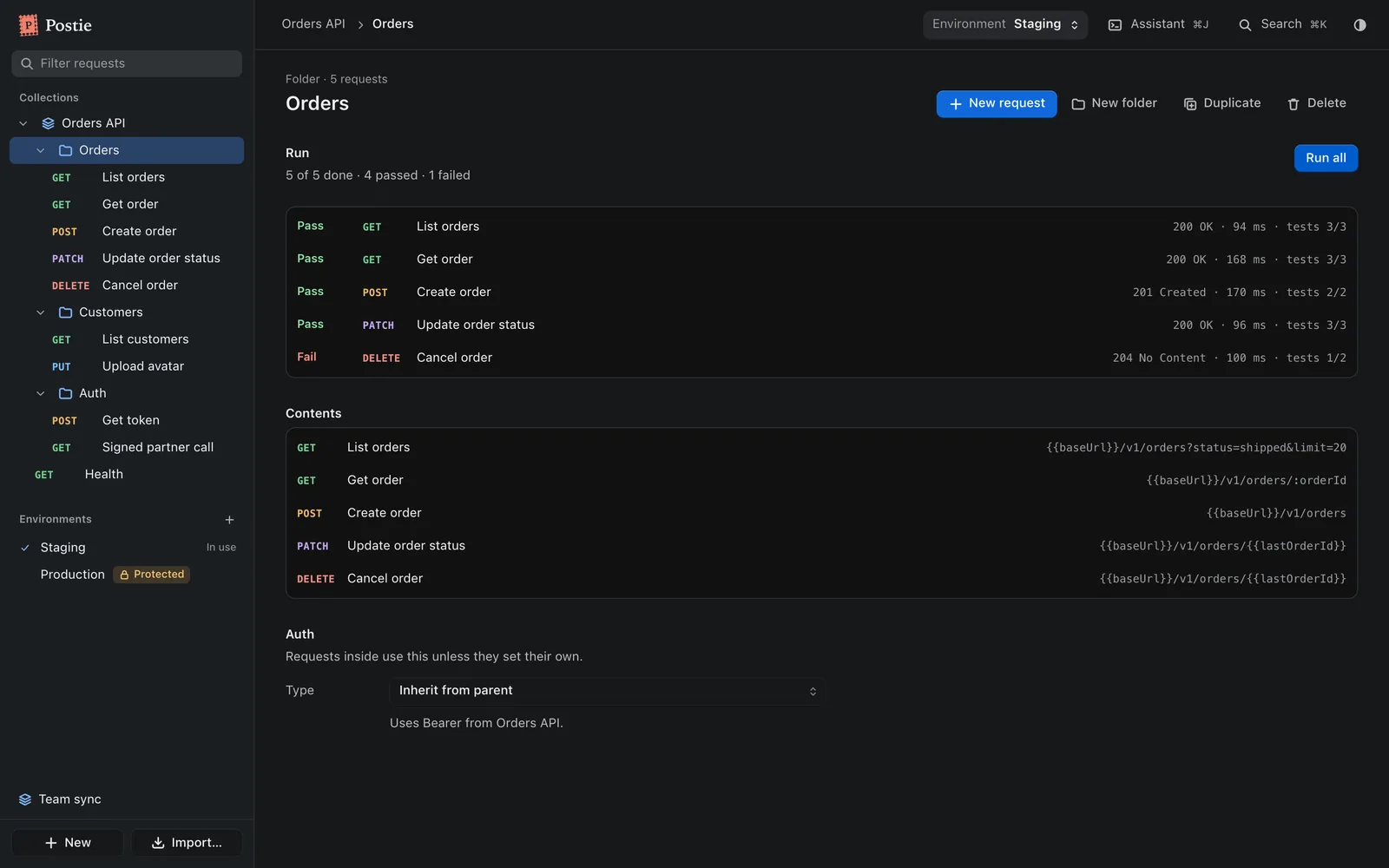
Every send is kept, with secrets in URLs masked. Reopen any past response, or run a whole folder in order and see pass or fail per request.
Secret variable values and credentials typed into auth forms go to the macOS keychain. Environments marked Protected ask twice before sending.
⌘↵ sends, ⌘K finds any request, folder, environment or command, ⌘Z undoes. Paste a curl command into the URL field to fill the request.
Nothing to sign up for. Postie works on its own; sync is there if your team wants it.
Pick your exported collection and environment files. Postie lists anything it could not bring over.
Variables resolve the way they did in Postman. The resolved URL shows before you send.
⌘↵. Requests go out from the app itself, so CORS does not apply. Tests and the script console show next to the response.
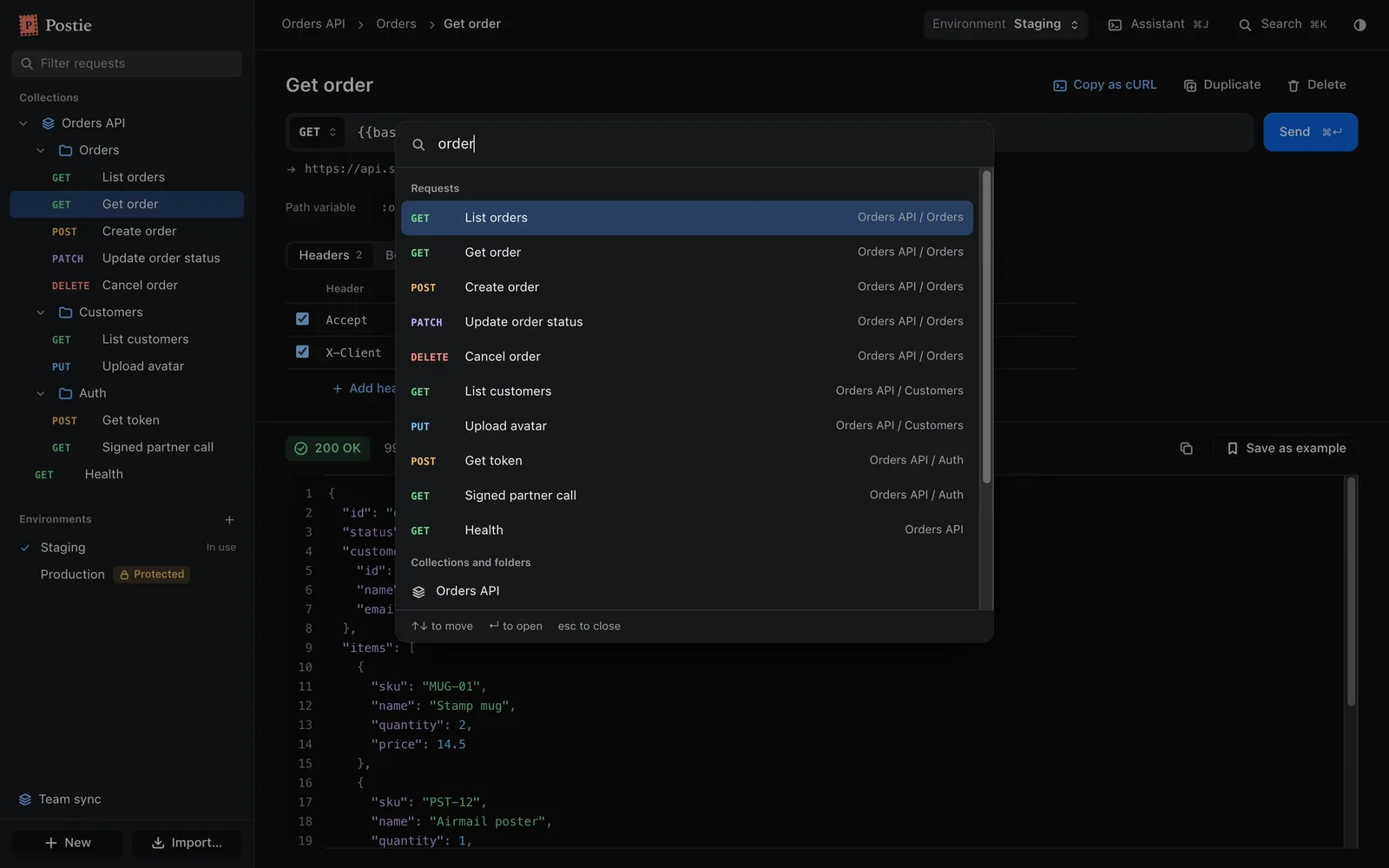
⌘J opens a chat with Claude Code or Codex, signed in with your own account. It knows the selected collection, request and environment, and can only use Postie's tools.
Postie has no servers. A team that wants to share runs one SQL script in its own Supabase project, then everyone joins with a single invite paste.
Postie has no sign-up and sends no usage data. There is no tracking SDK in the app.
What you send goes from your Mac to the API you are calling. Nothing passes through us.
Collections live in one workspace file in the app's data folder. Secrets live in the keychain.
macOS 14.5 or later. The download is a universal build, so it runs natively on Apple silicon and Intel Macs.
No. Postie is a free download. Team sync uses a Supabase project that your team runs, so any cost there is between you and Supabase.
Most will. pm.environment, pm.variables, pm.request, pm.response, pm.test, pm.expect and console work. pm.sendRequest, CryptoJS and require are not supported, and Postie tells you when a script uses them.
Bearer, basic, API key and OAuth 2, inherited from folders and collections. OAuth 2 supports authorization code with PKCE, client credentials and password grants. Implicit grant, digest and AWS signatures are not supported yet.
Postie checks the public release repo on GitHub shortly after launch and every few hours. When a new version is there it offers "Update and restart" and waits for you.
Not yet. Postie is built on Tauri, which runs there too, but only macOS builds are published today.
Open an issue on GitHub with what you did and what you expected. If an import went wrong, the import report is the most useful thing to include, with secrets removed.
Or write to info@obalabs.app